
Find the right fit.
Turn a shopper’s description into relevant options using your store’s search and filters.
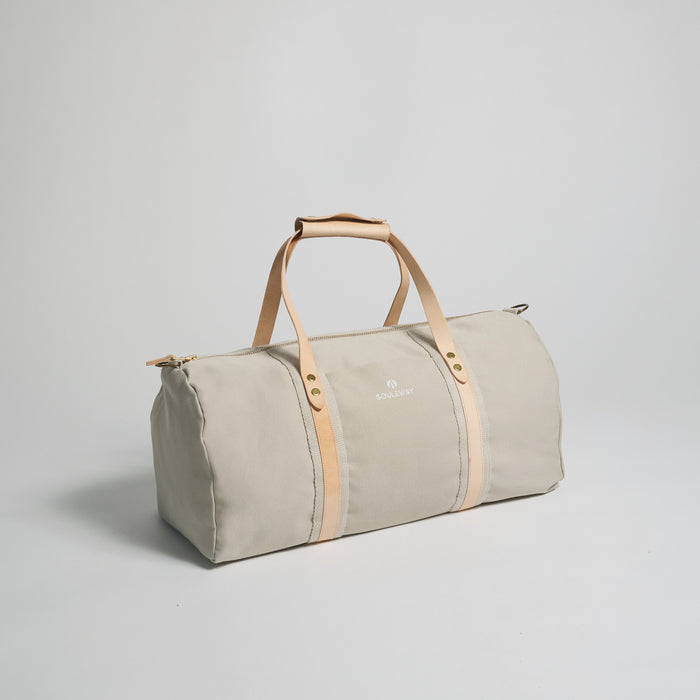
“Find me a weekend bag under $150.”
Help visitors find what they love with a conversation. Podo can explore your store, narrow the options, and help build their cart.
See it in actionConsidered essentials for wherever you go.


 PodoHere to help
Shoppers arrive with a goal, not a category name. A gift for a friend. A bag for a long weekend. Something that fits their budget.
Podo gives them a natural way to ask, then uses your store to help them move from browsing to choosing.
Turn a shopper’s description into relevant options using your store’s search and filters.
“Find me a weekend bag under $150.”
Help visitors refine a search by the attributes that matter to them, like price, color, or size.
“Show me something a little smaller.”
Help add a selected product to the cart, so visitors can continue toward checkout.
“Add the Weekender to my bag.”
Let shoppers ask for assistance while they’re looking at your products, without leaving the experience.
“Help me find a matching backpack.”
They know what they’re looking for. Podo helps them find it.
Explore the demoThe examples on this page illustrate how Podo could work on your website. The interactive demo uses a sample site and guided actions, with no connection to real customer data or transactions.
The concept brings voice conversation and browser-use capabilities into your site, so visitors can ask Podo to help with the workflows you offer. Standalone setup and compatibility details are still to be announced.
Explore the Voice Conversations and Browser Actions pages, or explore all six examples on the interactive demo page.
Less looking for the right button.
More getting things done.